No cloud. No limits.
Your AI studio, on your own PC.
Write what you want to see and get photos, illustrations and videos. Underneath run the open models professionals use, from FLUX.2 to Wan 2.2. No cloud, no credits: you pay once and create as much as your graphics card allows.
Windows 10 / 11 · NVIDIA graphics card with 8 GB or more
Pictures, clips, voices and music: everything in the trailer was made with Local Studio, on one PC.
One window, every tool. No node graphs.
Local Studio works like a photo and video editor. Pick a page and follow the highlight: it moves through the app on its own, or tap a step to stop on it.
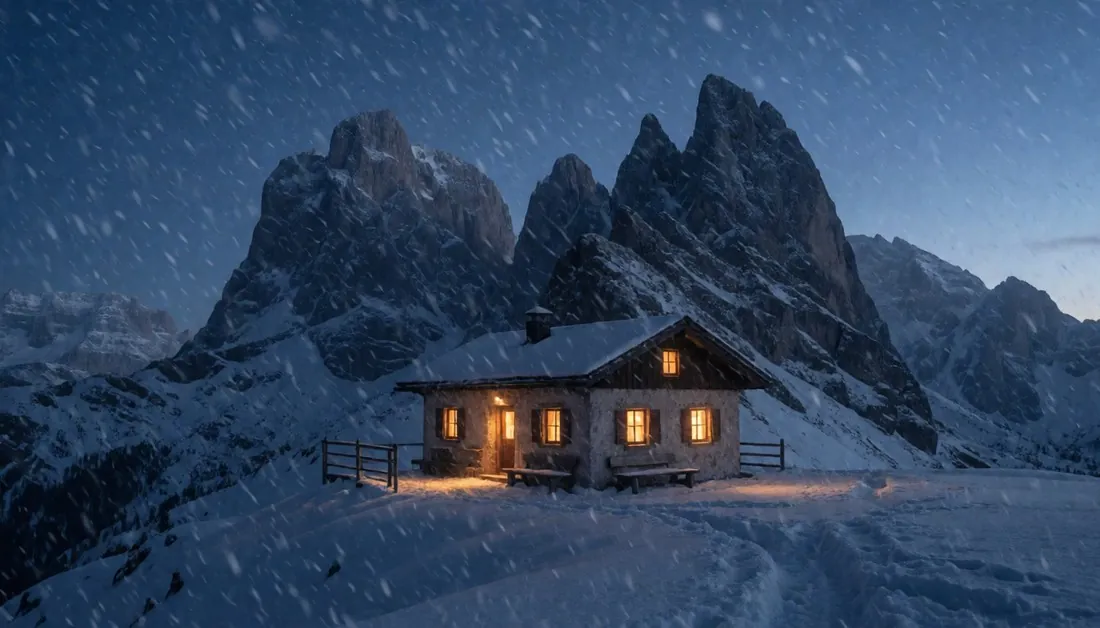
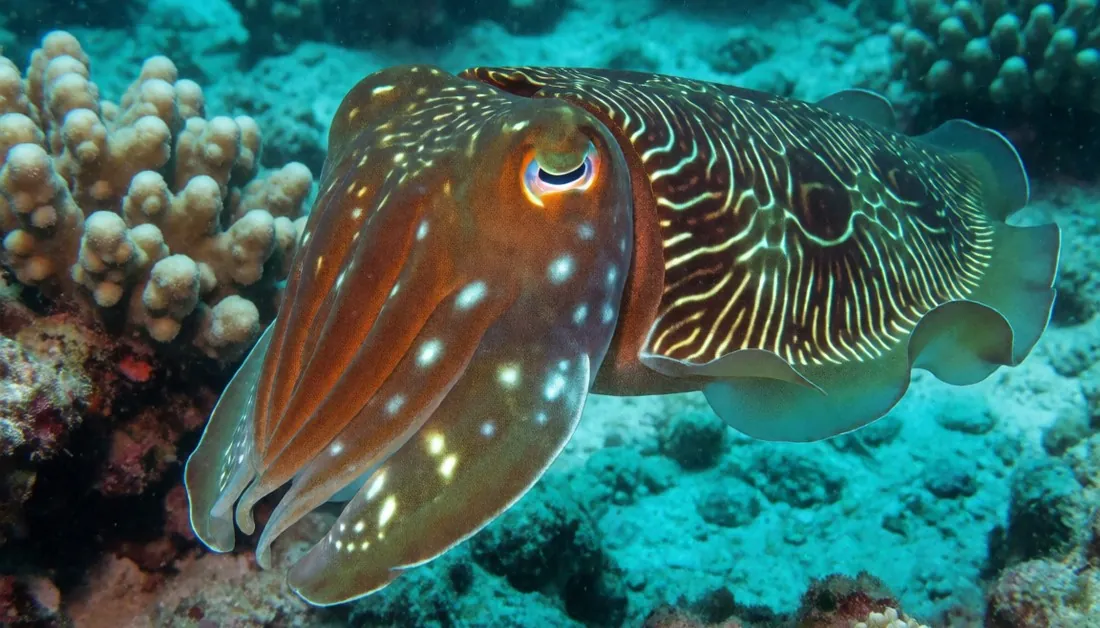
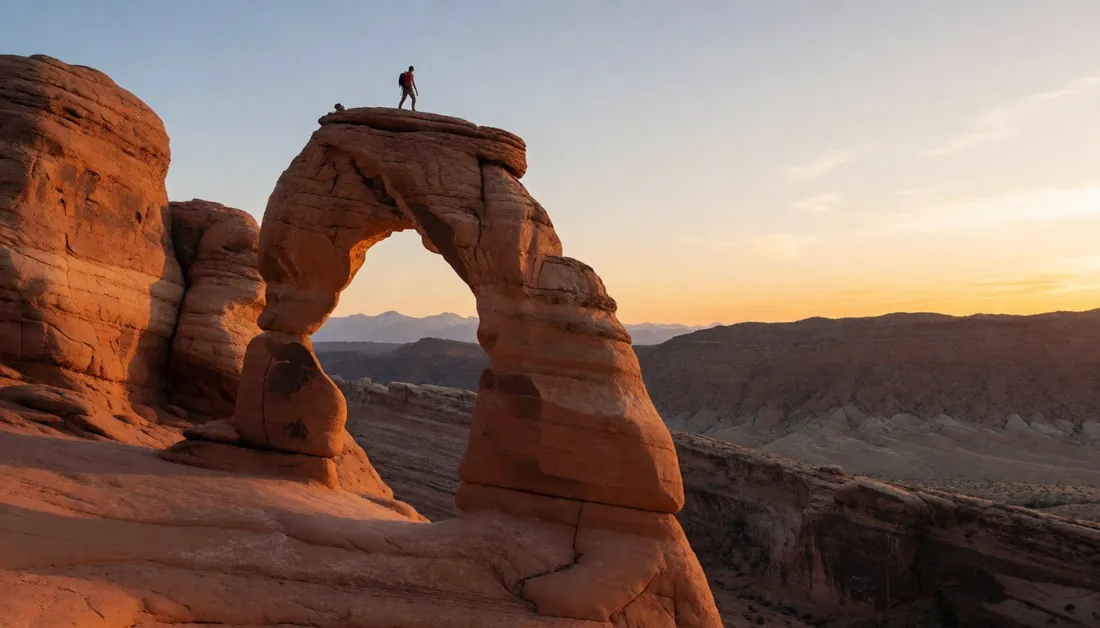
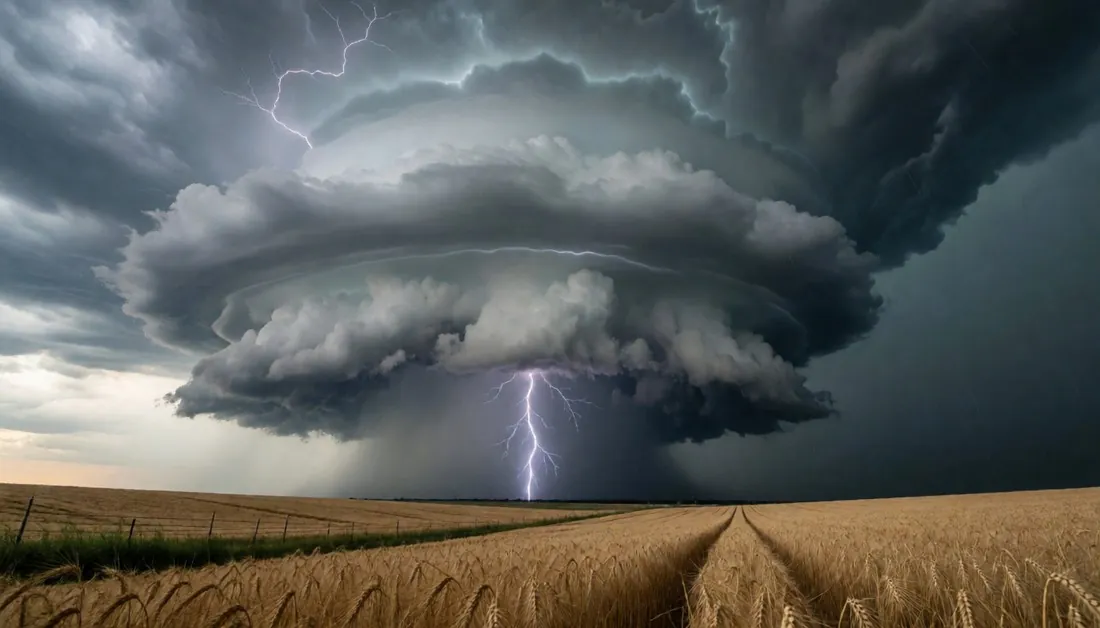
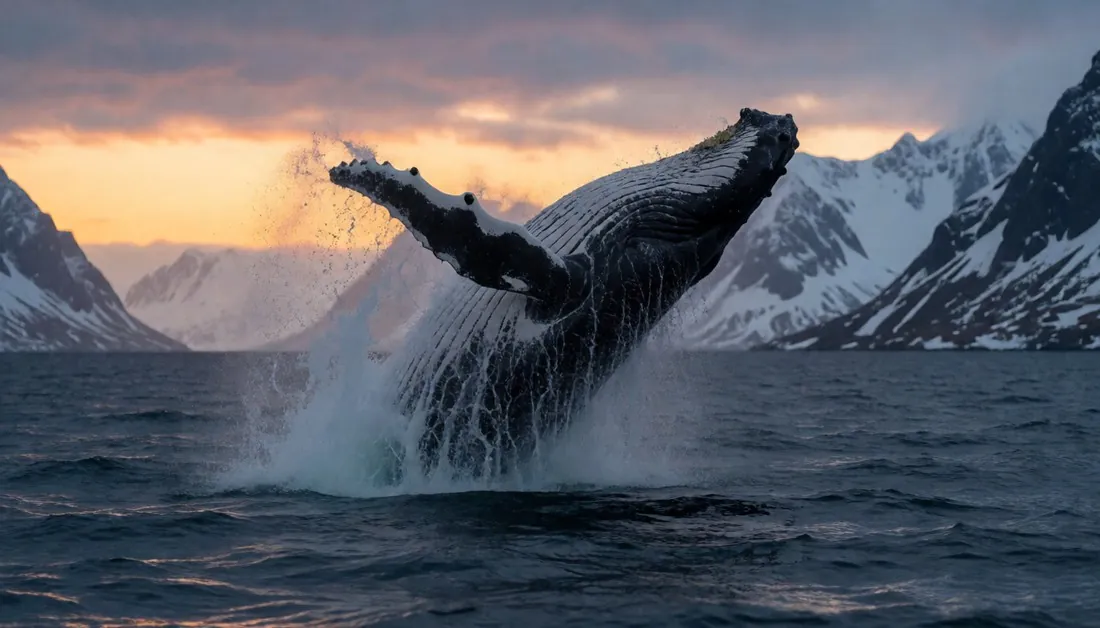
Every picture here came out of one gaming PC.
Made on an RTX 5070 with 12 GB, straight out of the app, without retouching.



Ready to create on your own PC?
Pay once: no subscription, no credits, nothing uploaded.
Buy Local StudioEvery style, on your own PC.
Fifteen portraits, fifteen models, all made on one PC. Pick a style, describe the face and press Generate. The model’s name is under every picture.
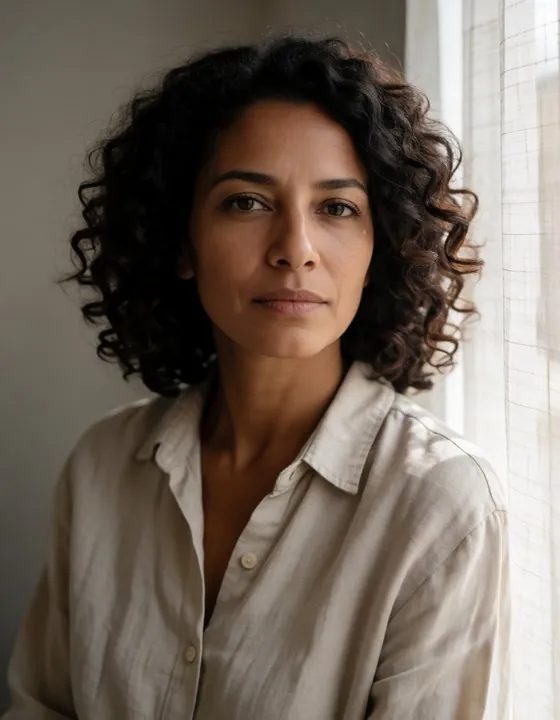
Realistic models for photos and cinema, anime and illustration models for drawings, paintings and comics. Every result is made on your own card and saved with its recipe, so you can make it again or change one detail.
Easy on day one. Deep when you need it.
Starting from zero
Write in plain English or Italian, or just say it out loud. The Assistant opens the right tool, the first start picks the models that fit your card, and before every video you see how long it will take.
If it is your job
It finds the models you already have in ComfyUI, Automatic1111 or Forge and uses them where they are. Checkpoints and LoRAs straight from Civitai, your own LoRA trained on your PC, the same seed on up to six models, a queue that runs overnight, and the full recipe inside every file. Your clients’ photos never leave your disk.
The details that save you hours.
From the first picture to the finished film.
The full list, area by area. Every tool works offline on your PC.
Images
- Pictures from a description with Z-Image Turbo, Krea 2, FLUX, SDXL, Pony, Illustrious, Anima, MOSS Image and Qwen 2.1, written in English or Italian.
- New: readable text inside your pictures with Qwen 2.1 Turbo. Put the words in quotes and you get signs, posters and labels spelled right, in about 35 to 45 seconds on a 12 GB card. Optional extra, non-commercial licence: about 17 GB, downloaded the first time you use it.
- LoRAs picked by their preview pictures, trigger words one click away.
- Start from a photo, your phone’s camera or a frame of a video. One image, a batch, or endless until you press Stop.
- Face detailing and the same face on every image.
- Improve turns a few words into a full description for the chosen model, offline.
- From a picture: it writes the description of any image or reads the recipe saved inside it.
Video
- Animate a photo with Wan 2.2 (up to 15 seconds per job), LTX 2.5 and 2.3 with voice and sound, and MiniMax H3, each with its own LoRAs.
- Quick preview in a few minutes, then the final video at full quality with the same seed. With Wan, add an end photo and the video goes from one photo to the other.
- Continue a video from its last frame, extend it, redo a single clip.
- Copy scene: a person in your photo repeats the moves of a video. Talking photo: a portrait that speaks.
- Audio for a video: ambience and effects that fit the scene, or your own file.
Storyboard and short films
- Write a story or let the app write it: you get the scenes, a start picture for each, the clips and a finished film with music and an optional narrator.
- Storyboards are saved, so you can come back to them later.
Edit and retouch
- Crop and straighten, light and colour, ready-made looks, vignette and grain.
- Expand a photo to a new shape, from 4:3 to 16:9, with the missing parts drawn for you.
- Generative fill, magic eraser, background removed, blurred, coloured or described in words.
- Retouch one area (face, hands, background), edit with words (“make it snow and turn it into night”: the photo stays the same, only what you ask changes, now also with Qwen 2.1), Remix a photo in 22 styles.
- Upscale photos and videos: RelayVSR makes a video twice as big, with sharper faces and hair.
Montage
- A timeline with cuts, crossfades, titles over the video, music or your recorded voice, quick preview and named projects.
- AI morph between clips. For social media: Reels and Stories, posts, carousels and captions in one click.
Audio
- Music from a few words: pick a genre, a mood and the length (10 seconds to 4 minutes) and choose between up to four versions, instrumental or sung by a woman, a man or a choir on your own lyrics.
- Sound effects from a description, like “rain on a tin roof, distant thunder”, up to 30 seconds.
- Voice: your sentence read by one of 29 English and Italian voices, at the speed you choose.
- Put on the video adds the track to any clip and saves a new video, leaving the original untouched. A track can also become the music of a montage.
- An Audio tab in the library, collections that hold sound too, and lossless FLAC files saved for you. The music model is an optional download offered the first time you ask for music.
3D for VR headsets
- Turn any video or photo you made into 3D: right-click it and choose 3D for VR headsets.
- Side by side for Meta Quest and VR players (full or half width), top and bottom, or red and cyan anaglyph for 3D glasses.
- Watch on headset plays your 3D videos on a Meta Quest straight from its browser, with a control panel inside VR and previous and next video. Nothing to copy by cable: at home on your Wi-Fi, or away with Tailscale.
- The 3D copies have their own 3D tab in the library. The 3D engine is a small optional download.
Characters
- A library of your own characters, created from photos or from scratch, each with its own gallery.
- Photo shoot: a whole set of pictures of the same person in different places and outfits.
Civitai and prompts
- Browse Civitai for ideas and Recreate any picture with your models: only the missing files are downloaded, and the recipe comes into the app.
- Community models and LoRAs for Qwen 2.1 too: pick the Qwen 2.1 base in the Models search and the app fetches the files it needs.
- A tag library, web examples made with your model, your saved prompts and favourite recipes.
Library and archive
- Everything you make, with its recipe. Search by what is in the picture («woman, boots», «sunset beach»), collections, favourites, similar pictures, before and after.
- A private collection, encrypted, that opens only with your password.
- Users: everyone gets their own name, password, creations and collections, while the models are shared and downloaded only once.
- Snapshots: save the whole work on screen and pick it up later.
On your phone
- Use Local Studio from your phone as an app: create, follow the queue, browse your collections, save results to your photos.
- At home on your Wi-Fi, or anywhere with Tailscale, protected by a PIN or by your user and password. Install it as a real app and get a notification when a job ends. The PC, any number of phones and VR headsets share the same queue.
All of this, on your PC, for one price.
Two PCs, updates included, and it keeps working offline.
Buy Local StudioUnder an hour to set up, once.
Buy once
You pay once by card, PayPal, Apple Pay or Google Pay and get your serial and download link straight away, by e-mail and in your account. Download the zip, extract it and start the installer.
Install
The installer checks your PC, sets everything up in its own folder and downloads the right models for your card. Before it starts it tells you how long it will take on your connection: usually 20 to 60 minutes.
Activate and create
Enter the e-mail of your order and your serial (bought on itch.io? Your itch.io e-mail and download link work too). It works on two PCs and keeps working offline: it checks in once a week.
Check your PC first.
| Minimum | Recommended | |
|---|---|---|
| System | Windows 10 / 11, 64 bit | Windows 11 |
| Graphics | NVIDIA 8 GB | NVIDIA RTX 12 / 16 GB |
| RAM | 16 GB | 32 GB |
| Free disk | 60 GB | 100 GB |
What to expect from your card
| 16 GB + | Everything at full quality |
| 12-15 GB | Everything works, long videos take more time |
| 8-11 GB | Images are great, videos are slower and shorter |
| < 8 GB | Images only, video will probably not work |
!NVIDIA only. AMD and Intel graphics cards, macOS and Linux are not supported.
Internet is needed to install, to download the models and to activate. The models take about 21 to 75 GB, depending on what you choose. A video model alone takes 10 to 20 GB: keep some extra room for your videos.
The user manual, free to download
Installation, activation, every tool and the phone app, explained step by step.
Nothing you make goes online.
Nothing is uploaded
Creations, descriptions and photos never leave your computer. Only the licence activation (your e-mail and an anonymous PC code), the model downloads, the app updates, the searches you make in the Civitai pages and, if you ask, a support report go online.
Adults only, never minors
Local Studio is for people aged 18 or over. The app blocks any request involving minors, and you may not use real people’s likeness without their consent.
Open models, their licences
The AI models are not sold with the app: you download them from their authors under their own licences. Some do not allow commercial use: each model’s page says what it allows, and the app asks you to accept the face swap files’ licences before downloading them. The starter pack offered at the first start only contains models whose licences allow commercial use. Optional extras such as FLUX.1 dev, Anima and Qwen 2.1 are for non-commercial use: Qwen 2.1 is under the Qwen Research License, so using the model commercially needs a licence from Qwen.
Questions before you buy
Do I need to know how AI works?
No. There are no node graphs to wire up. An Assistant asks what you want to make and opens the right tool, and at the first start the app picks the models that suit your graphics card.
I already use ComfyUI or Automatic1111. Why switch?
You keep your models: Find my models uses the files you already have, without downloading them again and without moving or deleting anything. You get the same open models without wiring nodes, one window for images, video, editing and archive, and a recipe that A1111-style tools can read.
Can I train my own LoRA?
Yes, on your own PC, from 15 to 30 photos, with Fast, Balanced and Quality presets. It works with SDXL, Pony and Illustrious, and the captions are written for you.
Will it run on my PC?
You need Windows 10 or 11 and an NVIDIA card with at least 8 GB of video memory. The installer checks your PC before setting anything up.
Does it work without internet?
Yes, once installed. The licence checks in once a week and keeps working for up to 14 days offline.
Which graphics card should I buy?
Any NVIDIA RTX card with 12 GB or more is a great start. For long, high-quality videos aim for 16 GB or more.
Can I move my licence to a new PC?
Yes. A licence works on two PCs, and you can deactivate one from Settings to free the place.
How long does a video take?
It depends on your card and the quality you choose. Before starting, Local Studio tells you how long it will take, worked out from your own last videos.
Can I use what I create commercially?
That depends on the licence of the model you used, not on Local Studio. Many open models allow it, some do not: check the model’s page before you publish.
Stop paying per picture.
Your graphics card can already do it. Now it has the tools.
Buy Local Studio